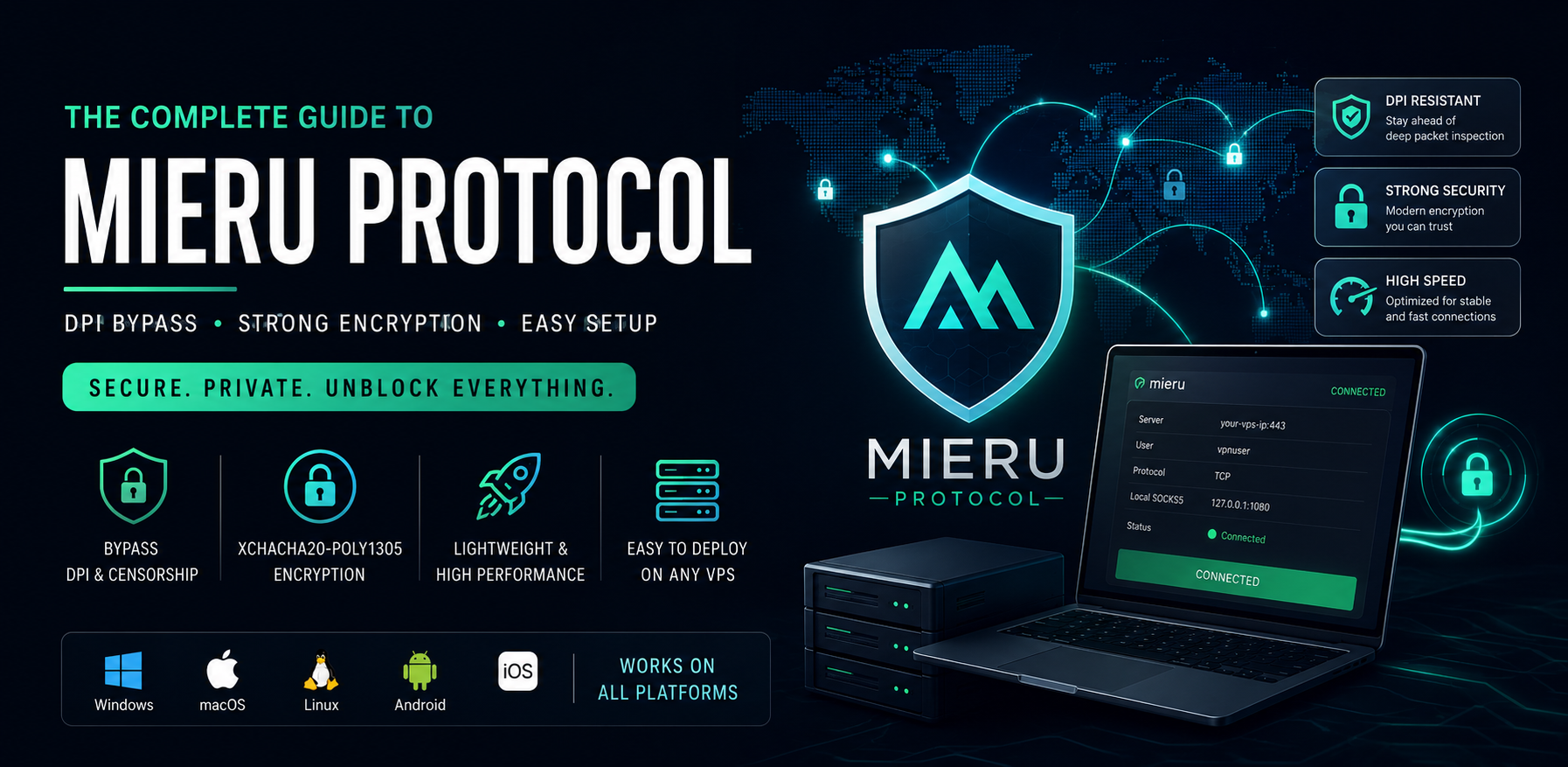
The Ultimate Guide to Mieru Protocol: Bypassing DPI in 2026
1. Introduction
Mieru (which translates to "to see" in Japanese) is a next-generation proxy and anti-censorship tool designed specifically to defeat the most sophisticated Deep Packet Inspection (DPI) systems. While older protocols struggle against modern firewalls, Mieru steps in as a lightweight, highly secure SOCKS5, HTTP, and HTTPS proxy solution. If you are looking for a reliable way to bypass restrictive networks without the heavy overhead of complex routing frameworks, Mieru is quickly becoming the protocol of choice.
2. Protocol Info
At its core, Mieru is designed for high performance and flexibility, offering support for both TCP and UDP transport protocols.
- Data Fragmentation: When Mieru receives a network request, it doesn't just pass it along as a massive file. It chunks the original data stream into smaller, manageable segments before encapsulating them.
- Time-Sensitive Synchronization: The protocol relies on system time for key generation. The time difference between the client and the server must not exceed 4 minutes, ensuring that replay attacks are heavily mitigated.
- TCP vs. UDP: While UDP is fully supported (including for SOCKS5 UDP associate packets), the TCP protocol is generally recommended for speed, as UDP requires more decryption attempts on the server side.
3. Encryption Info
Mieru takes security incredibly seriously by utilizing modern, high-speed cryptographic standards.
- AEAD Algorithm: It strictly uses the XChaCha20-Poly1305 algorithm, known for its exceptional performance on devices without dedicated cryptographic hardware (like mobile phones and cheap routers).
- Key Generation: Security keys are generated using the PBKDF2 algorithm. The protocol takes the user's password, appends a
0x00byte, adds the username, and hashes it using SHA-256. - Dynamic Nonce: The encryption utilizes a 24-byte nonce. To speed up user lookups on the server, the last 4 bytes of the nonce are replaced by a SHA-256 hash of the username and the first 16 bytes of the nonce. This ensures both airtight security and rapid connection establishment.
4. Compare to Other Protocols
How does Mieru stack up against the heavyweights of the VPN and proxy world?
| Feature | Mieru | V2Ray (VLESS/Xray) | WireGuard | Shadowsocks |
|---|---|---|---|---|
| Primary Focus | DPI Evasion via Entropy | Traffic Camouflage (TLS) | High-Speed VPN | Basic Proxy |
| DPI Resistance | Very High | Very High | Low (Easily Blocked) | Moderate |
| Setup Complexity | Low to Moderate | High | Low | Low |
| Encryption | XChaCha20-Poly1305 | AES/ChaCha/TLS | ChaCha20-Poly1305 | Various |
While WireGuard is fantastic for secure tunneling, it has a distinct signature that modern firewalls can easily identify and block. V2Ray/Xray are incredibly powerful, but they require domain names, SSL certificates, and complex server configurations. Mieru hits the sweet spot: it offers the DPI-defeating power of Xray with the simple, self-contained setup of Shadowsocks.
5. How You Can Use This Protocol
Using Mieru operates on a classic client-server model. Once the server is running, you run the Mieru client on your local machine. The client exposes a local proxy port (e.g., 127.0.0.1:1080).
You can then route your traffic through this local port using:
- Browser Extensions: Use extensions like SwitchyOmega to proxy your web browsing exclusively.
- OS Settings: Set your system-wide proxy to point to the Mieru client.
- Proxy Chains: Mieru natively supports outbound proxying, allowing you to chain it with other tools (like Cloudflare CDNs) for an extra layer of anonymity.
6. How This Protocol Bypasses DPI
Modern firewalls use Deep Packet Inspection to look for protocol signatures and analyze information entropy (how random the data looks). If traffic looks too perfectly encrypted or matches a known handshake pattern, it gets dropped.
Mieru bypasses this by actively manipulating the data segments before they hit the network:
- Random Padding: It injects randomly generated, non-encrypted content (referred to as Padding 0, 1, and 2) into the data segments.
- Entropy Adjustment: By carefully adjusting these padding bytes, Mieru alters the overall information entropy of the packet.
- Printable Character Masking: It intentionally modifies the length of consecutive printable characters. This confuses DPI systems, making the data stream look like harmless, unstructured background noise rather than an active VPN tunnel.
7. Which Users Can Use This
Mieru is highly recommended for:
- Users in heavily censored regions: Individuals in countries with national firewalls who need reliable, unthrottled access to the global internet.
- Privacy Advocates: Users on restrictive corporate, public, or campus networks looking to bypass local filters.
- Security Researchers: IT professionals who want a lightweight, cryptographically secure tunnel without the overhead of maintaining TLS web servers.
8. How to Setup (Complete Guide with Resources)
Setting up Mieru involves running the server application (mita) on a Linux VPS and the client application (mieru) on your local machine.
Step 1: Server Setup (mita)
-
Download the Release: Go to the Official Mieru GitHub Releases page and download the latest
mita-linux-amd64binary for your VPS. -
Configure: Create a
config.jsonfile on your server to define the port and credentials:{ "portBindings": [{"port": 443, "protocol": "TCP"}], "users": [{"name": "your_username", "password": "your_secure_password"}] } -
Run: Apply the configuration and start the server by running:
./mita apply config config.json
Step 2: Client Setup (mieru)
-
Download the Client: From the same Mieru GitHub repository, download the
mieruclient binary for your operating system (Windows, macOS, or Linux). -
Configure: Create a
client.jsonfile locally:{ "serverAddress": "YOUR_VPS_IP:443", "username": "your_username", "password": "your_secure_password", "socks5Port": 1080, "transport": "TCP" } -
Connect: Run
./mieru apply config client.jsonin your terminal. You can now point your system or browser's SOCKS5 proxy settings to127.0.0.1:1080.
9. Best Clients for All Platforms
While the official CLI is great for power users, the open-source community has rapidly integrated Mieru into major graphical clients. Here are the best options and where to find them:
Desktop (Windows, macOS, Linux)
- Hiddify Next: This is currently the most user-friendly GUI client available that supports Mieru out of the box, alongside VLESS, Trojan, and WireGuard. Resource: Hiddify Next on GitHub
- NekoBox / NekoRay: An advanced proxy tool utilizing the sing-box core, perfect for managing complex routing rules and multiple servers. Resource: NekoRay on GitHub
- Official Mieru CLI: Best for headless setups or running in the background without a GUI. Resource: Mieru GitHub
Mobile (Android & iOS)
- Hiddify (iOS & Android): The easiest mobile client for Mieru. It allows you to import configurations via a simple QR code or clipboard link. Resource (Android): Hiddify on Google Play Resource (iOS): Hiddify on the App Store
- Sing-box: A highly efficient universal proxy platform. Setting it up requires a bit more technical knowledge of JSON formatting, but it offers unparalleled stability. Resource: Sing-box on GitHub
Is Mieru Best for Iran, Russia, and China?
When evaluating Mieru for the world's most sophisticated national firewalls, it is highly effective, though the "best" protocol depends heavily on the specific blocking mechanisms of the region at any given time. Here is how Mieru performs in the big three:
1. China (The Great Firewall / GFW)
Effectiveness: Very High. The GFW relies heavily on active probing and TLS fingerprinting (blocking traffic that looks like unauthorized HTTPS or recognizing older proxy handshakes). Mieru's approach—scrambling data entropy and masking printable characters—makes its traffic look like completely unrecognizable, random background noise. Because it doesn't rely on standard TLS certificates, it is incredibly difficult for the GFW to categorize and block it via automated DPI.
2. Iran (National Information Network / NIN)
Effectiveness: High. Iran's censorship infrastructure frequently employs aggressive "whitelist-only" or massive IP blocking during protests, alongside DPI that throttles recognized VPN protocols like OpenVPN or WireGuard. Mieru easily bypasses the DPI throttling because its packets do not match any known VPN signature. However, if the Iranian firewall drops to a strict whitelist mode (blocking all non-domestic IPs regardless of protocol), Mieru will require a domestic relay server (a server inside Iran forwarding traffic to your VPS outside) to function optimally.
3. Russia (Roskomnadzor / TSPU)
Effectiveness: Very High. Russia's DPI equipment (TSPU) deployed at the ISP level is notoriously good at identifying and blocking WireGuard, OpenVPN, and standard Shadowsocks by analyzing packet sizes and handshake structures. Mieru was designed specifically to defeat this kind of structural analysis. By injecting random padding and dynamically altering packet sizes, Mieru prevents TSPU hardware from generating a reliable fingerprint, making it an excellent choice for users in Russia.
Summary: Mieru is a top-tier choice for all three countries right now because it targets the fundamental way modern DPI systems analyze data (entropy and structural signatures). While VLESS/Xray with Reality is also an excellent option for these regions, Mieru provides comparable DPI resistance with a significantly simpler server-side setup.
10. Will VPN Server Hubs Provide Support in the Future?
Currently, Mieru is championed by open-source proxy platforms and self-hosters. However, as DPI systems become more aggressive at blocking mainstream protocols like OpenVPN and WireGuard, commercial VPN Server Hubs and multi-protocol proxy panels (like 3X-UI or Marzban) are highly likely to integrate Mieru natively in the near future. Its lightweight nature makes it incredibly cost-effective for commercial providers to run on their nodes.
11. Conclusion
The Mieru protocol is a brilliant, highly specialized tool for defeating internet censorship. By utilizing cutting-edge XChaCha20-Poly1305 encryption and uniquely manipulating data entropy, it slips past DPI filters that catch older protocols. Whether you are navigating a national firewall or just looking for a secure, fast tunnel for your daily browsing, Mieru is a protocol worth adding to your networking toolkit.
If you prefer a visual walkthrough of the installation and configuration process, this NaiveProxy and Mieru - A Guide to New Proxies video is highly relevant as it guides you through setting up a Mieru server from scratch.